

Fall is my favorite time of year! Since most of us have our phones with us at all times, I created 8 Free Fall Phone Wallpapers that you can use during the season. Whether you live in a state that offers beautiful color or not, these wallpapers will definitely get you in the mood for the Fall season.
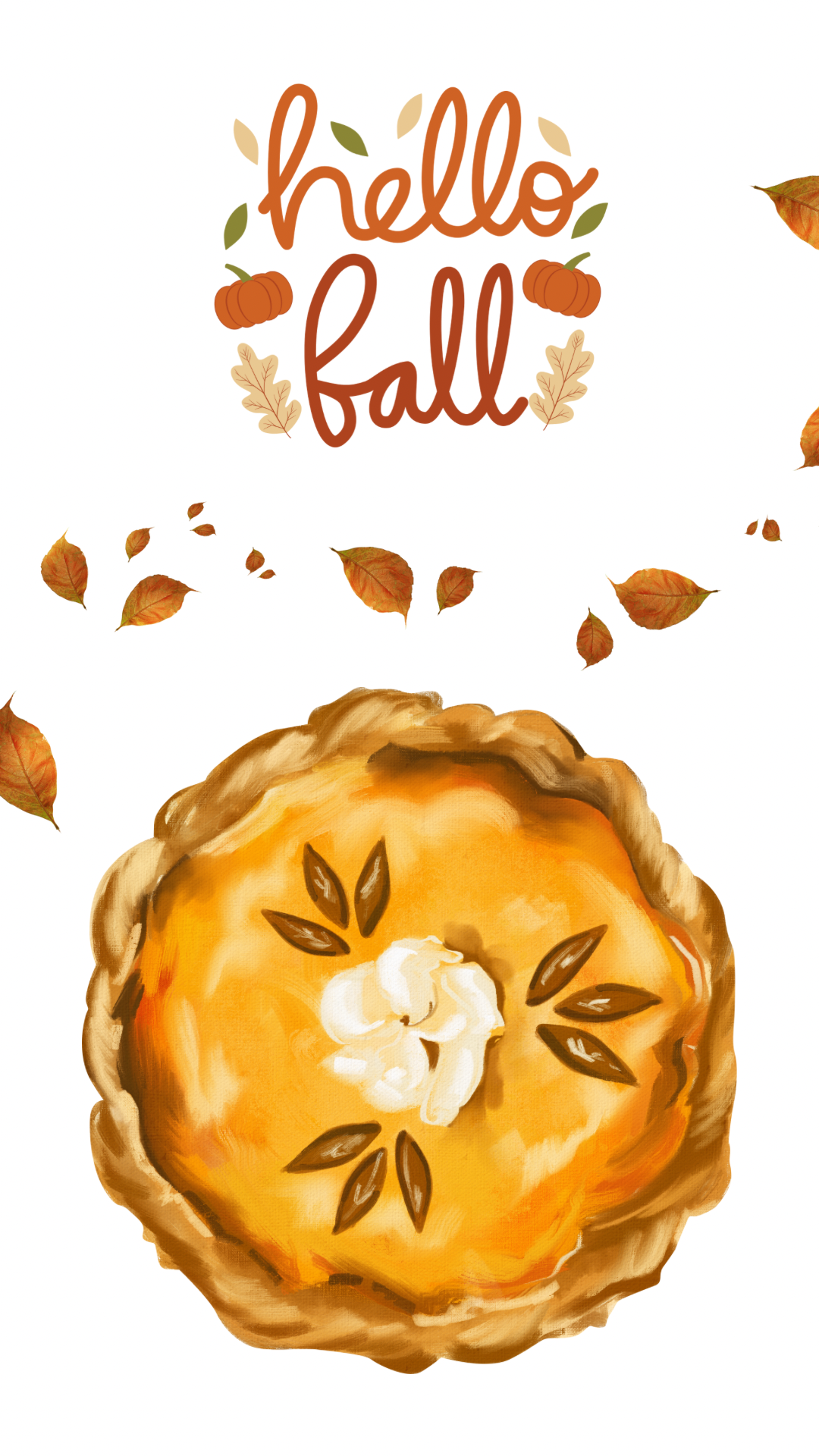
Click Below to Download “Hello Fall Bakery”
Downloading the Free Fall Phone Wallpapers
Under each wallpaper image, you will see the file name and a button that says “download”. When you click on the download button, go to the little box with the arrow and click on that (if on an IPad). There will be an option to “save image”. Click on that and now all of these fall phone wallpapers will be in your photo library on your phone. (For an IPhone: hold down on the photo once you’ve downloaded it and just click “save image”). If you’d like to stay organized, create an album called “Fall” or “Wallpapers”. It will make it easy to find them when the time comes next year.
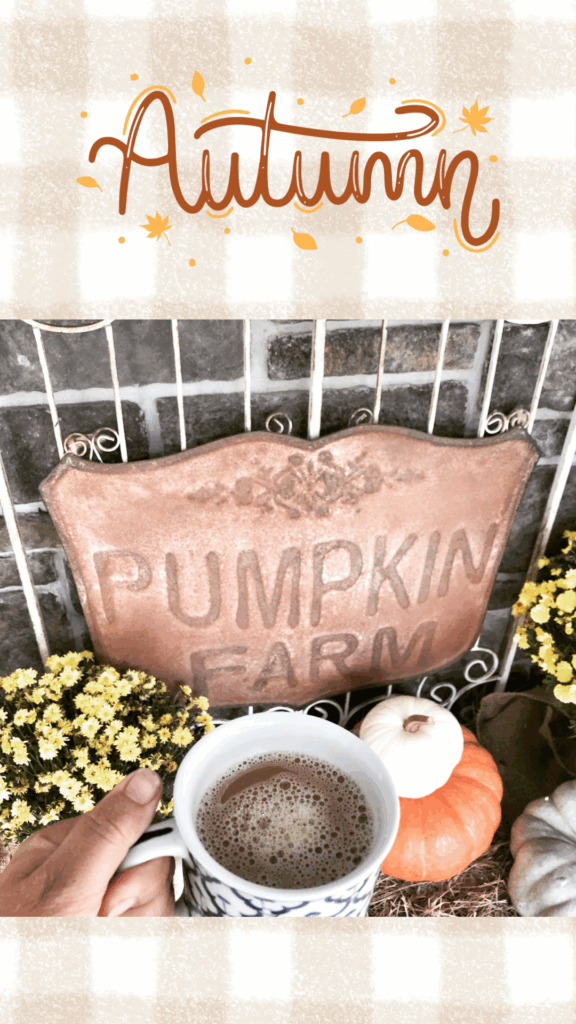
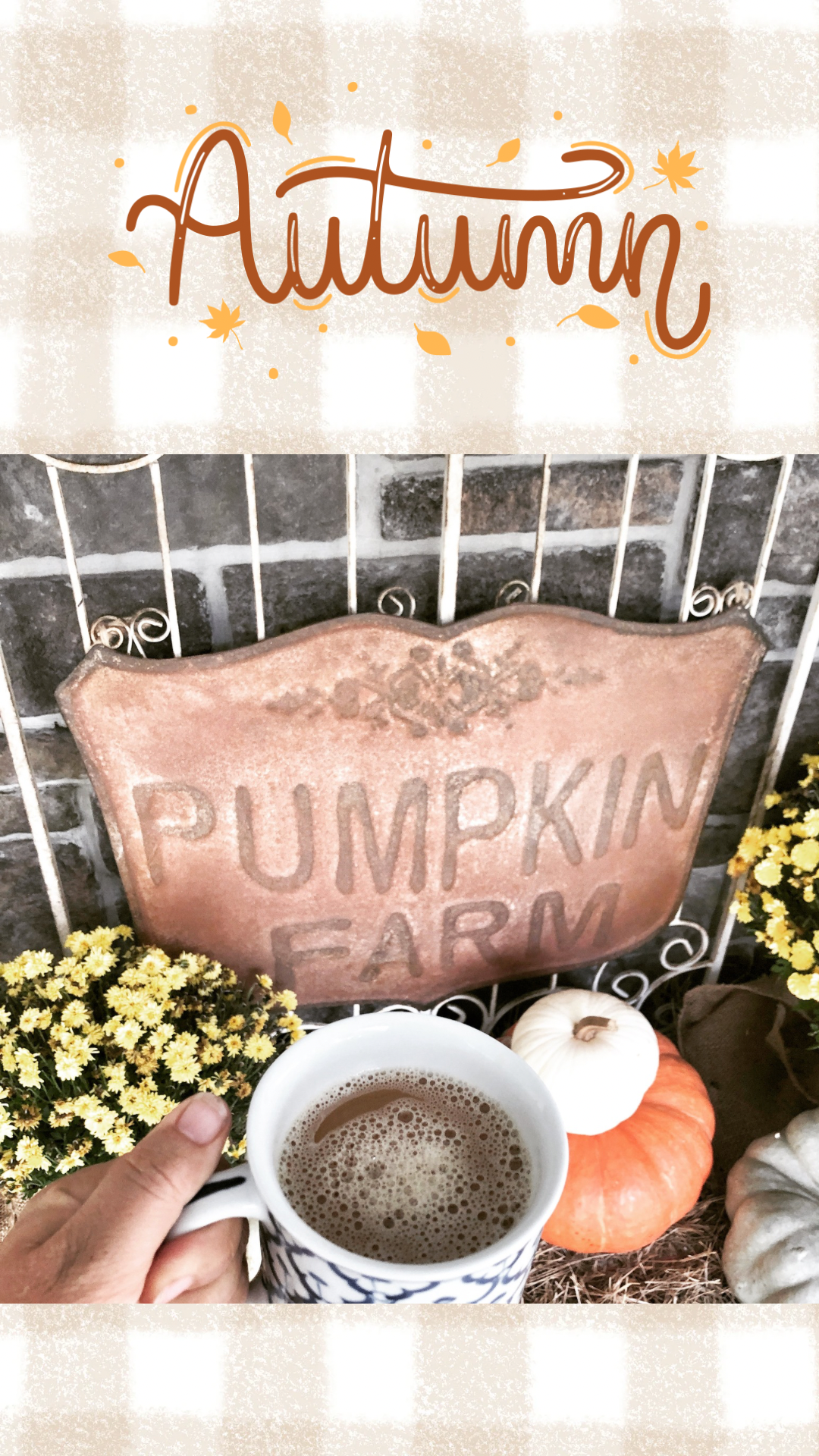
Click Below to Download “Autumn Pumpkin Farm”
Join Our Simple Living Community


These fall phone wallpapers fit both iPhone and android. We have our phones with us at all times (guilty myself haha) so why not look at something pretty for the Fall season. Sticking with my vintage simple living style, I’ve created 8 of them for you to use. Change them out weekly and put them on rotate depending on which month you are going to use them.
How to Install Phone Wallpapers
Iphone
To add wallpaper to your iPhone, follow these steps:
1. Open Settings: Tap the Settings app on your home screen.
2. Go to Wallpaper: Scroll down and select Wallpaper.
3. Choose a New Wallpaper: Tap Choose a New Wallpaper to access options.
4. Select an Image:
• Choose from Dynamic, Stills, Live, or your Photos (Camera Roll, albums, etc.).
• You can also select pre-installed wallpapers or download new ones from the internet or apps.
5. Customize:
• For Live Photos or Dynamic wallpapers, you may need to enable motion (toggle Live Photo or Perspective).
• Pinch to zoom or move the image to adjust its position.
6. Set Wallpaper:
• Tap Set and choose whether to apply it to the Lock Screen, Home Screen, or Both.
7. Confirm: The wallpaper will update immediately.
Tips:
For iOS 16+, you can create multiple Lock Screen wallpaper variations by long-pressing the Lock Screen and tapping the + button.
Ensure the image is high-resolution for best results.
Some wallpapers support customization, like adding filters or widgets (iOS 16+).
Android
To add wallpaper to an Android phone, follow these steps:
1. Open Settings: Tap the Settings app on your home screen or app drawer.
2. Find Wallpaper Settings: Navigate to Wallpaper & style, Display > Wallpaper, or similar (exact wording varies by device, e.g., Samsung, Google Pixel).
3. Choose a Wallpaper:
• Select from Wallpapers, Live Wallpapers, or Photos (from your Gallery or Downloads).
• Some devices offer pre-installed wallpapers or access to online wallpaper libraries.
4. Customize:
Adjust the image by pinching to zoom or dragging to reposition.
For live wallpapers, preview the animation.
On some devices (e.g., Samsung), you can apply effects or customize colors.
5. Set Wallpaper:
• Tap Set Wallpaper or Apply.
• Choose whether to set it for the Home Screen, Lock Screen, or Both.
6. Confirm: The wallpaper will update instantly.
Tips:
Some Android versions (e.g., Android 12+) allow dynamic wallpapers that adapt to themes or time of day.
Download wallpapers from apps like Google Wallpapers, Zedge, or other third-party sources for more options.
Ensure images are high-resolution for clarity.
Pin For Later
Fall “Pumpkin” Recipes to Enjoy
Pumpkin Shaped Sourdough Bread
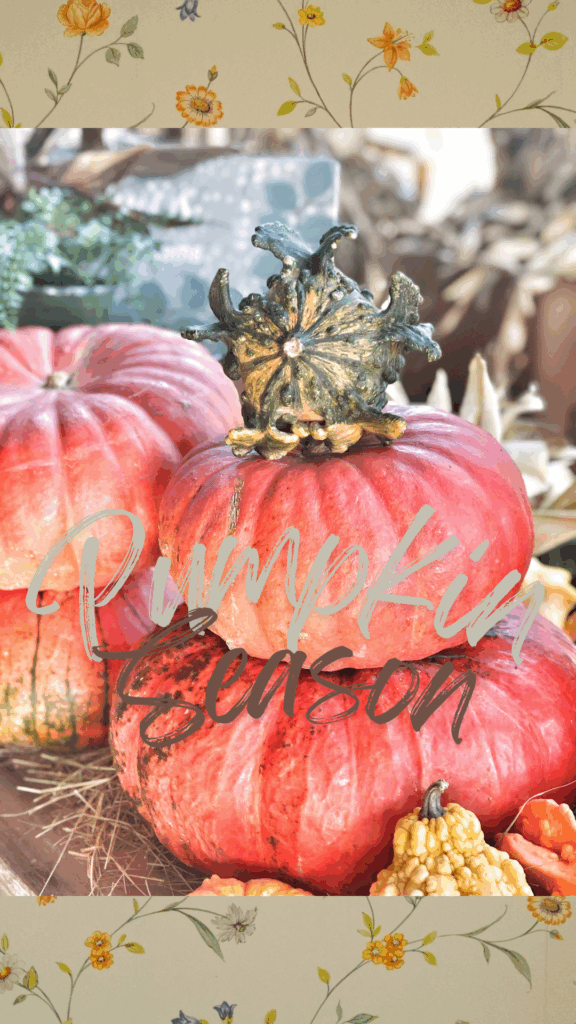
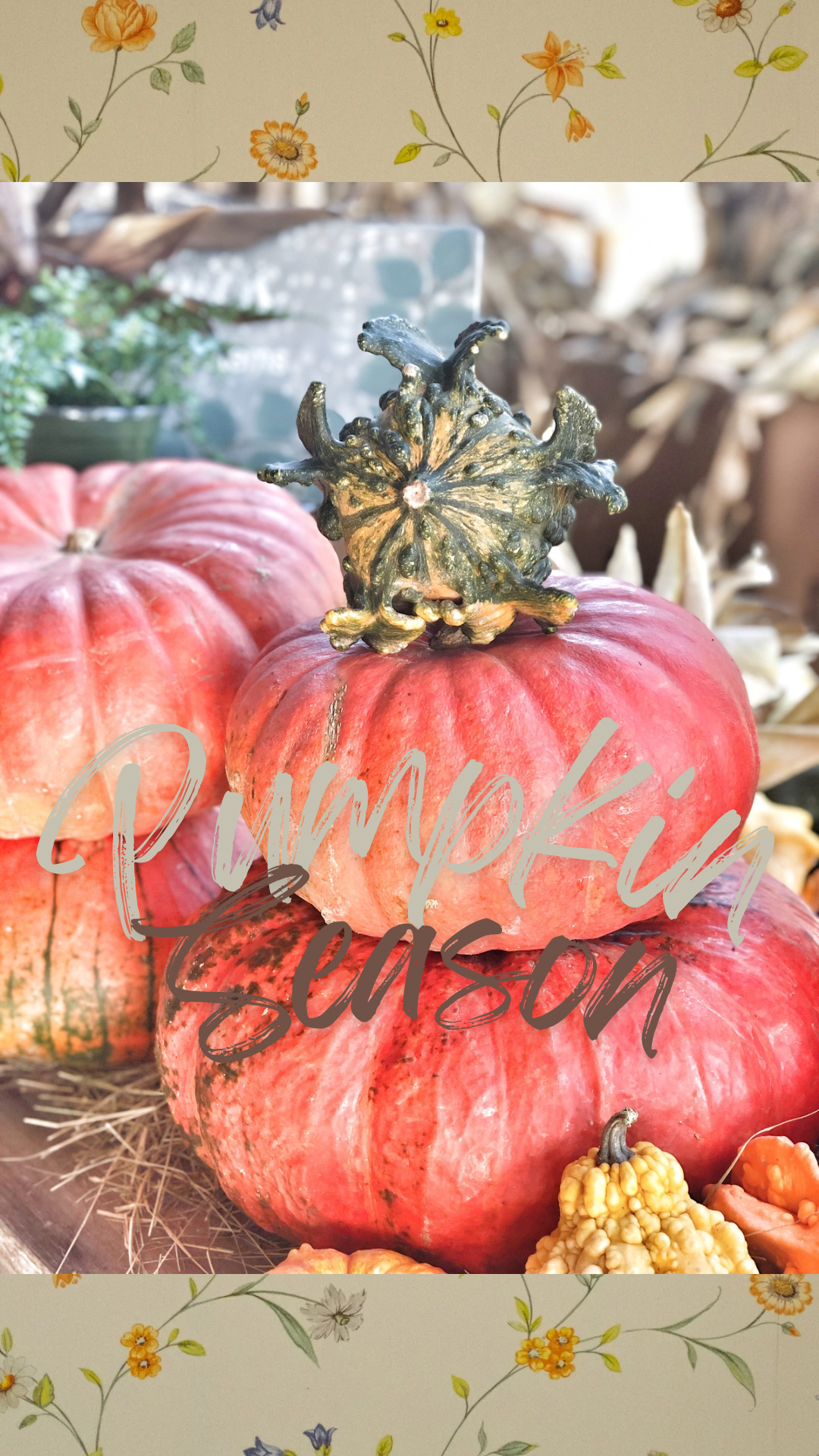
Click Below to Download “Pumpkin Season”
Fall “Apple” Recipes To Enjoy

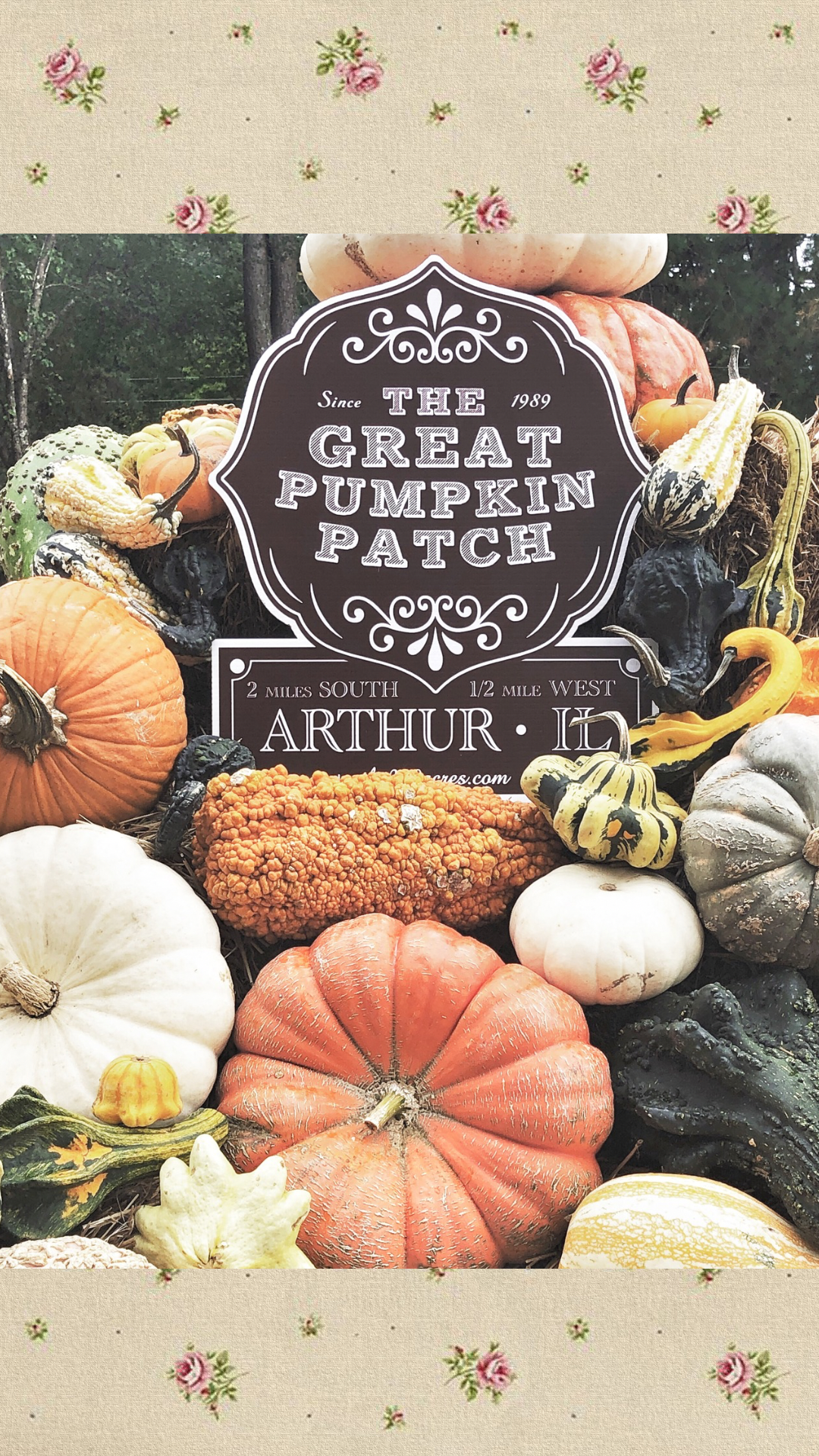
Click Below to Download “The Great Pumpkin Patch”
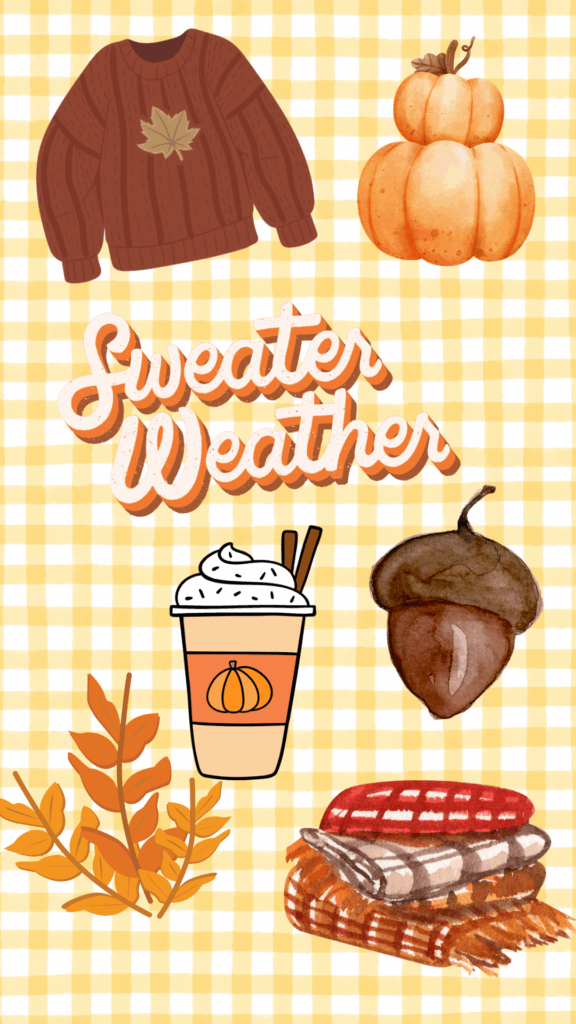
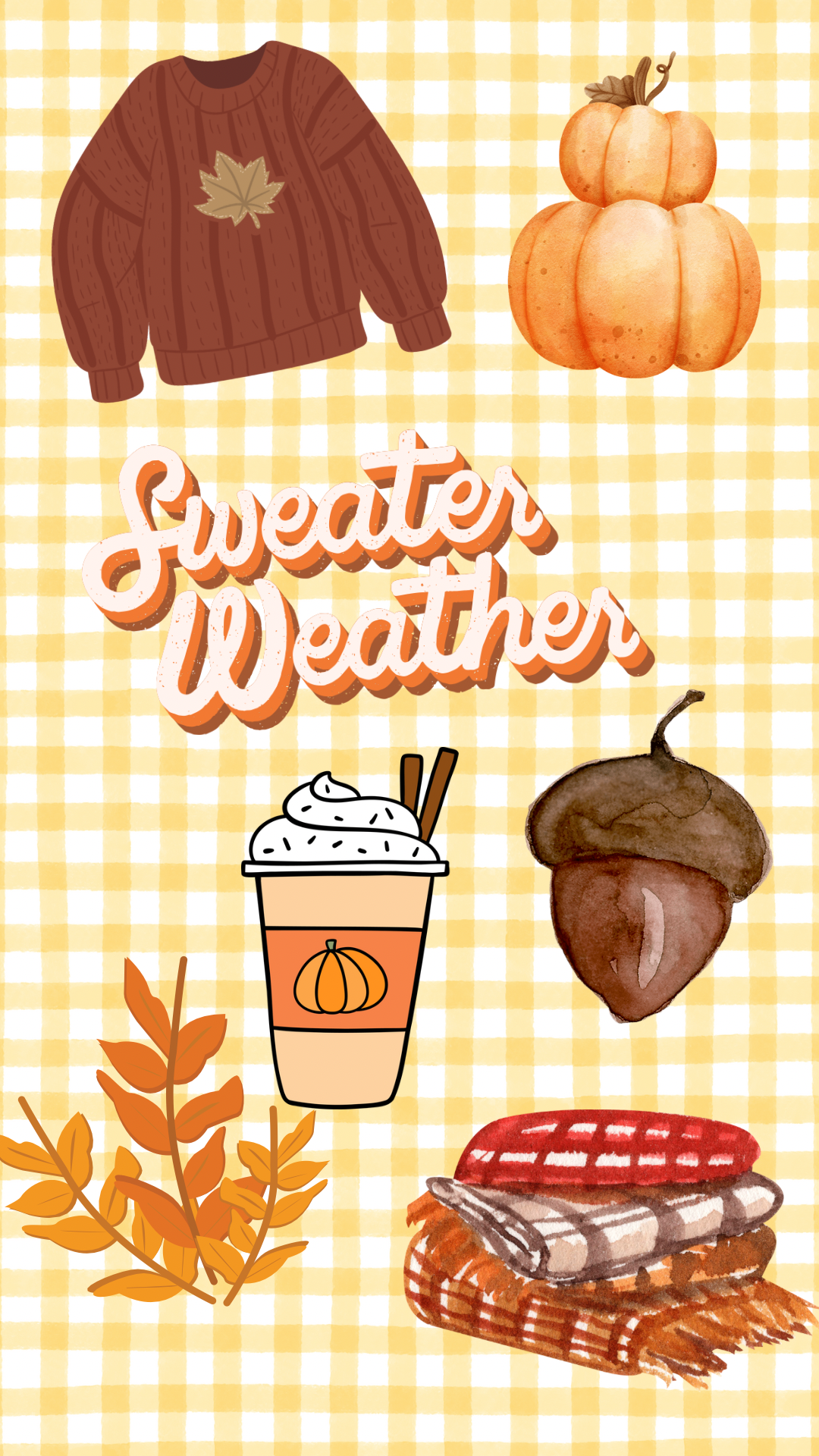
Click Below to Download “Sweater Weather”
Fun Fact
I created all of these wallpapers myself as an inspiration of how much I love Fall. Some of these are photos I have taken on trips or things around my home. I’m so excited to share them with you too!
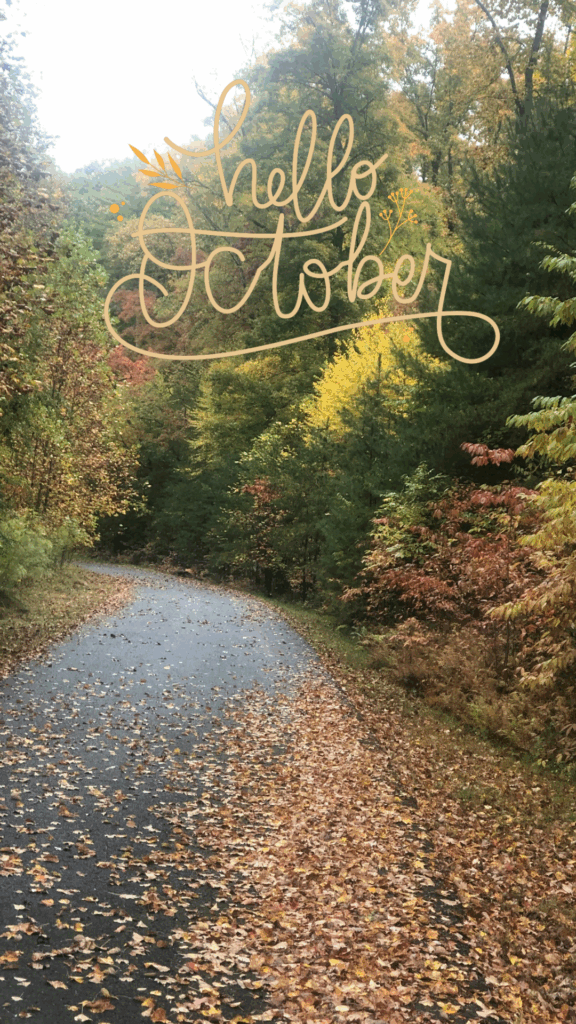
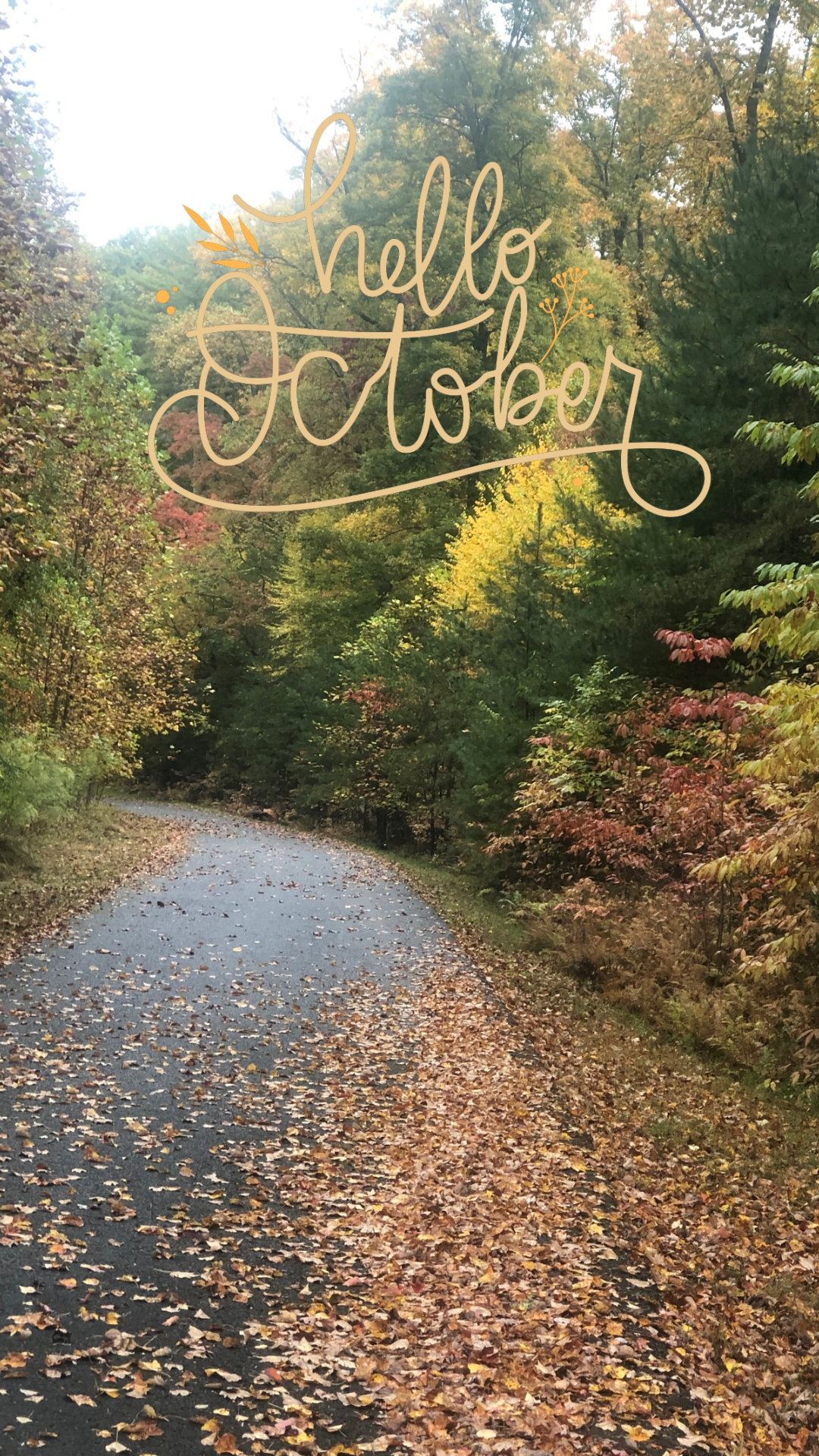
Click Below to Download “Hello October”
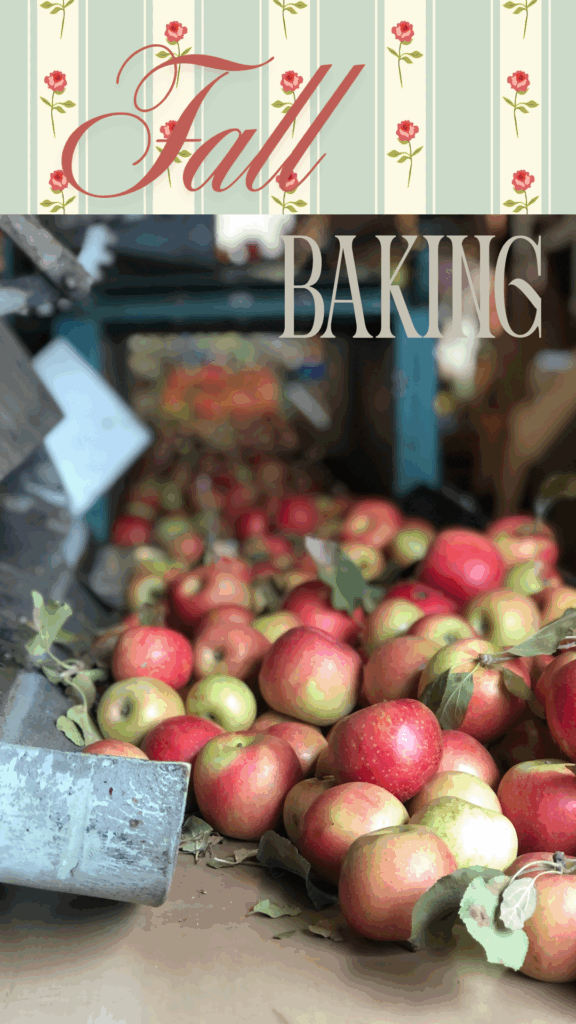
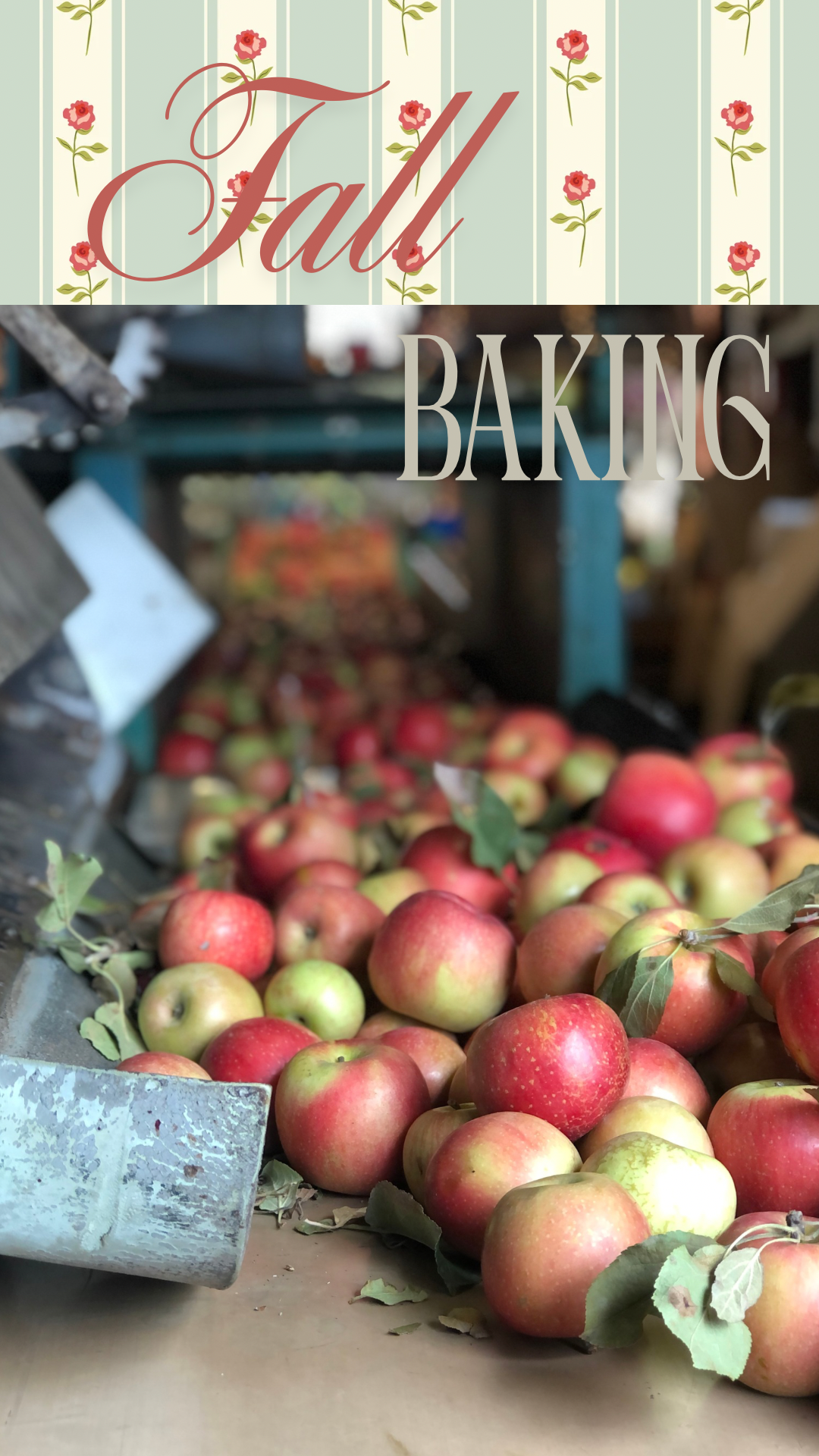
Click Below to Download “Fall Baking”
We Can’t Forget Thanksgiving
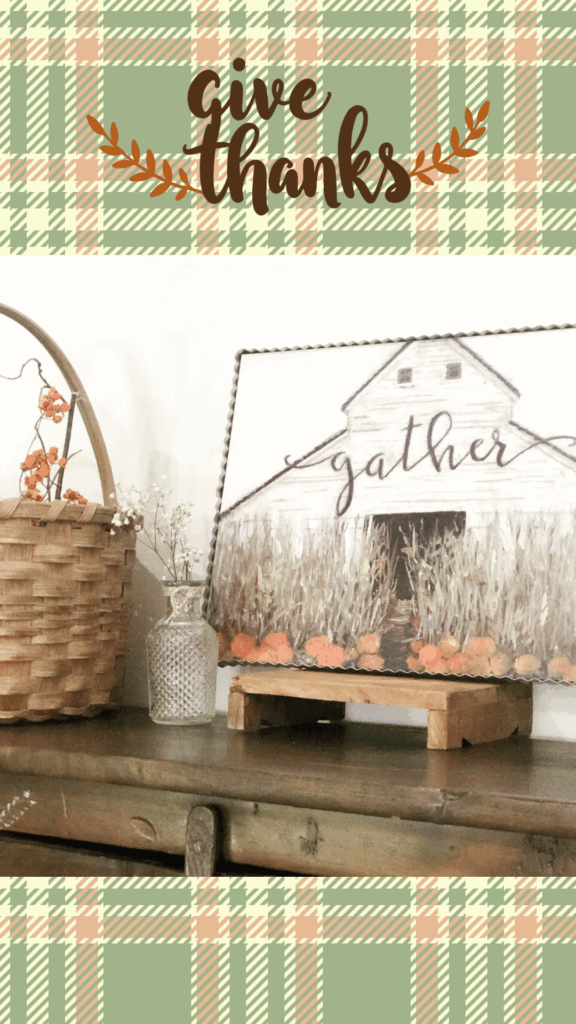
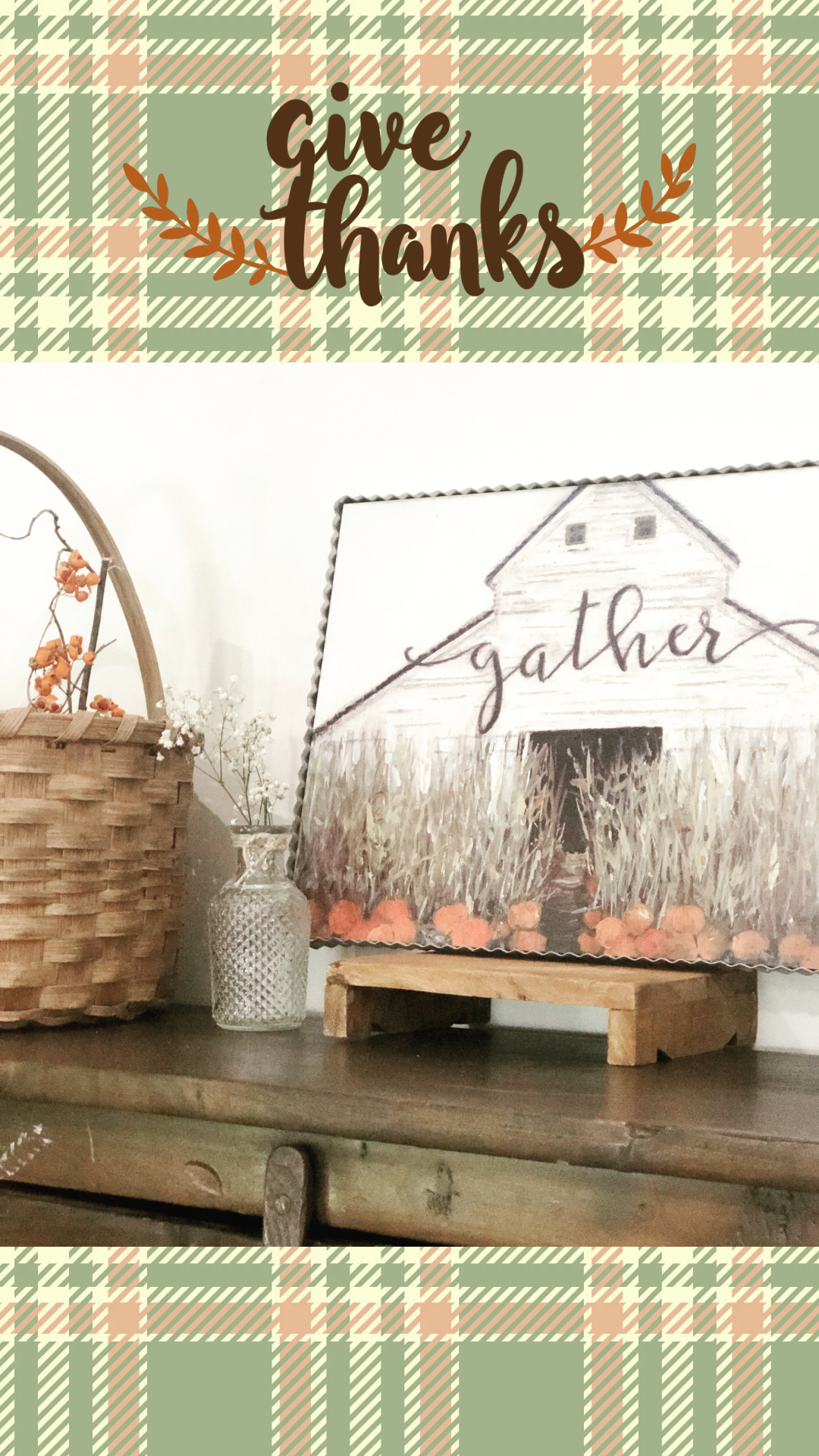
Click Below to Download “Give Thanks”
I hope you enjoy these little Fall Phone Wallpapers. Every time you open your phone, my wish is that they bring a smile to your face. Tag me over on Instagram. I’d love to see them on your phone! Email me at hello@littlehousesimplelving.com if you have any questions or trouble downloading these.

Leave a Reply